Wobbly, Clicking Ceiling Fan? Balance It in 10 Minutes
A wobbling, clicking ceiling fan is annoying and can keep you awake at night. Learn how to diagnose and fix an unbalanced fan in 10 minutes with just a screwdriver and a ruler.
Full guide Electrical Learn how your home electrical system works and what parts are safe for you to handle.The first warm day of the year arrives, and you reach for the switch to get some air moving. Instead of a silent, cooling breeze, you are greeted by an aggressive shimmy and a rhythmic tick-tick-tick. A ceiling fan wobbling and clicking is one of the most annoying household sounds, especially when you are trying to sleep. It also looks alarming, as if the entire fixture might rip free from the drywall and crash onto your bed.
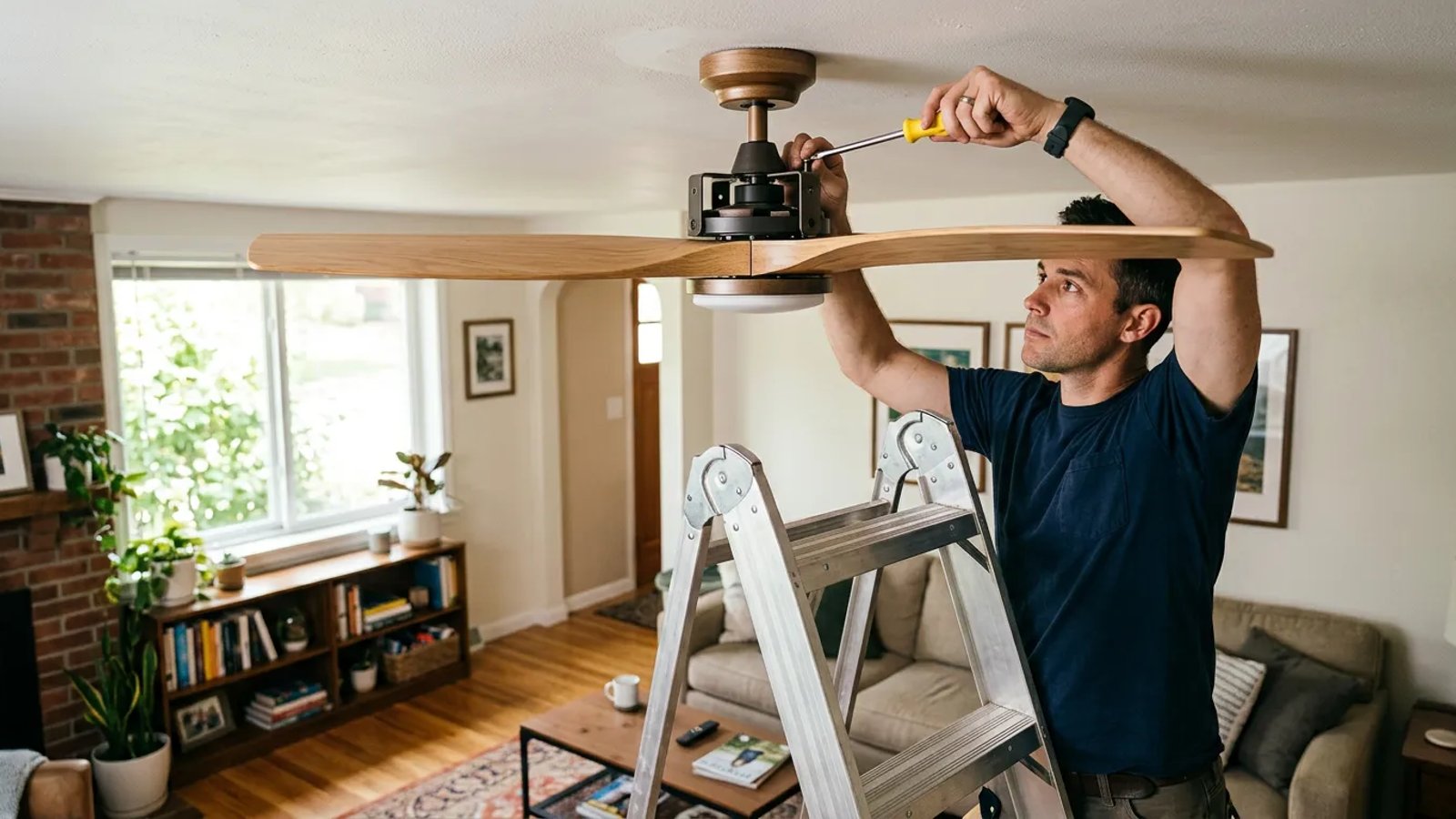
A few years ago, I spent three nights trying to ignore a loud clicking fan before finally dragging a stepladder in from the garage. I discovered that the screws holding the metal brackets to the motor had backed out just a fraction of a millimeter. That tiny gap was causing all the racket. The good news is that you rarely need an electrician to fix this. With a screwdriver, a ruler, and about ten minutes, you can silence the noise and smooth out the spin.
Why is my ceiling fan wobbling and clicking?
Ceiling fans are essentially heavy motors suspended in mid-air, spinning flat paddles at high speeds. Because they are moving parts, they generate minor vibrations. Over months and years of use, those microscopic vibrations do exactly what you would expect: they slowly loosen threaded screws. When metal parts are no longer clamped tightly together, they rattle against each other on every rotation, creating that telltale clicking sound. In my experience, even a gap of less than 1/32 of an inch can cause noticeable rattling and wobble.
Wobbling, on the other hand, is a weight distribution problem. If one side of the fan is even slightly heavier than the other, or if one blade is catching more air because it sits at a different angle, the entire unit pulls to one side as it spins. This lateral pulling creates the wobble. The most common culprits are loose hardware, uneven dust buildup, a blade that has warped from humidity, or a mounting bracket that has shifted in the ceiling.
The 10-Minute Fix: The Quick Tighten
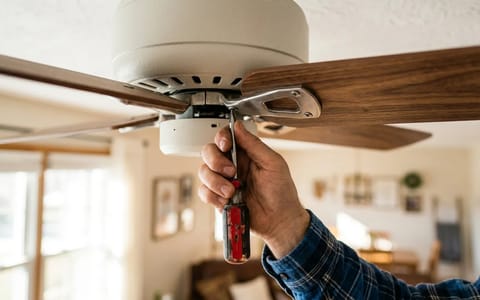
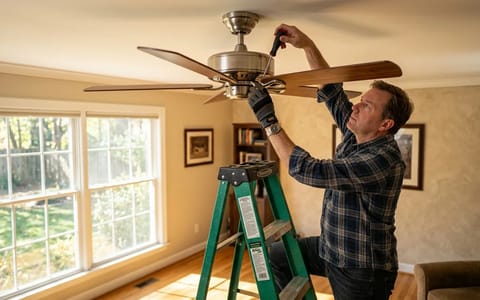
Before you buy any replacement parts, grab a #2 Phillips head screwdriver and a sturdy stepladder. Make sure the wall switch is turned off so the fan cannot accidentally spin up while your hands are near the motor.
Work your way around the fan, checking these four specific areas:
- Tighten the blade-to-iron screws. These are the three or four screws holding the wooden or plastic blade to the metal bracket (the "blade iron"). Check every single one. On a standard five-blade fan, that is 15 screws to verify.
- Tighten the iron-to-motor screws. These attach the metal bracket to the spinning hub of the motor. You usually have to access these from underneath, sometimes rotating the fan by hand to reach them through a cutout.
- Check the light kit and glass shades. If your fan has lights, check the thumbscrews holding the glass globes in place. A loose glass shade vibrating against metal is the number one cause of high-pitched clicking.
- Inspect the downrod and cotter pin. If your fan hangs from a metal pipe (the downrod), check the pin securing it to the motor assembly. If this pin is missing its safety clip or fits too loosely, the metal-on-metal joint will click with every rotation.
Turn the fan back on. In roughly 80% of cases, this simple tightening routine completely eliminates the clicking noise and drastically reduces the wobble.
Is the Pull Chain Hitting the Glass?
Sometimes the clicking is not a loose screw at all. If you have a fan with a light kit and pull chains, air movement or a minor wobble can cause the metal bead chain to swing and rhythmically tap against the glass shade. To diagnose this, simply hold the chains still while the fan is running on high. If the clicking stops, you have found your problem. You can fix this by shortening the chain, swapping the metal beads for a fabric cord, or sliding a small piece of clear rubber tubing over the section of chain that hits the glass.
Check the Canopy and Mounting Bracket
If tightening the blades does not stop the clicking, the noise might be coming from the ceiling. The canopy is the decorative metal bell that covers the electrical box. If this canopy is pushed too tightly against the drywall or a textured ceiling, the fan's natural vibration will cause it to scrape and click.
Loosen the two screws holding the canopy in place and lower it an inch. Run the fan. If the noise disappears, re-tighten the canopy but leave a tiny gap (about 1/8 of an inch) between the metal edge and the ceiling. While you have the canopy down, shine a flashlight inside and verify that the main mounting bracket is bolted securely to the electrical box. A loose bracket is a serious safety hazard that causes violent wobbling.
The Dust Factor: Cleaning for Balance
If the fan is still wobbling, look at the top edge of the blades. Over the winter, ceiling fans collect a thick, dense layer of dust along their leading edges. Because dust doesn't settle perfectly evenly, one blade might be carrying a few more grams of weight than the others. At 200 revolutions per minute, those few extra grams translate to a noticeable wobble.
Wipe down the top, bottom, and edges of every blade. Once they are entirely clean, run the fan on high to see if the balance has improved.
The Ruler Test: Checking for Warped Blades
Ceiling fan blades are often made of composite wood or MDF. If you leave your windows open during humid spring days, or if the fan is located near a steamy bathroom, the moisture can cause the blades to warp or droop. Even a slight droop changes the aerodynamics of the blade, causing it to push more or less air than its neighbors, resulting in a wobble.
To test for warping, you need a standard wooden ruler or a yardstick.
- Pick a measuring point. Stand on your ladder and hold the ruler vertically against the ceiling, letting it hang down toward the tip of a blade.
- Measure the first blade. Note the exact measurement where the tip of the blade touches the ruler (for example, 11 and 1/4 inches).
- Rotate and repeat. Manually rotate the fan so the next blade comes to your ruler. Measure it. Repeat this for all blades.
If one blade is off by more than 1/4 of an inch compared to the rest, that blade is warped or its metal iron is bent. You can try gently bending the metal iron back up by hand, but be careful not to snap it. If the blade itself is visibly warped, you will likely need to order a replacement set from the manufacturer.
How to Use a Ceiling Fan Balancing Kit
If the screws are tight, the blades are clean, and the measurements are perfectly even, the fan simply has a factory weight imbalance. To fix this, you need a ceiling fan balancing kit. You can pick one up at any local hardware store or online for about $3 to $5 as of 2026. The kit includes a plastic U-shaped clip and several small adhesive weights (usually 3 to 5 grams each).
Balancing a fan is a process of trial and error, but it is highly effective.
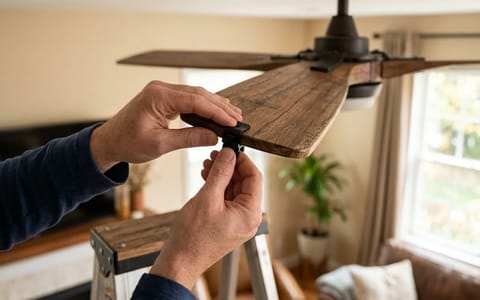
- Place the clip. Slide the plastic balancing clip onto the trailing edge of any blade, positioning it halfway between the motor and the blade tip.
- Test the fan. Turn the fan on high. Observe the wobble. Is it better or worse? Turn the fan off.
- Move the clip to the next blade. Move the clip to the same position on the next blade and test again. Repeat this until you find the blade where the clip improves the wobble the most.
- Slide the clip along the winning blade. Once you know which blade needs weight, slide the clip inward toward the motor, test, then slide it outward toward the tip, and test again. Find the exact spot on that blade where the fan runs smoothest.
- Apply the permanent weight. Peel the backing off one of the adhesive metal weights. Stick it firmly to the top center of the blade, directly lined up with where your plastic clip is resting. Remove the plastic clip.
Test the fan one last time. If there is still a tiny bit of wobble, you may need to add a second adhesive weight right next to the first one.
When the Noise Means Something Worse
While clicking is almost always a loose screw, other noises require a different approach. If you hear a deep grinding sound, a metallic scraping, or a constant hum that gets louder as the fan speeds up, you are likely dealing with failing motor bearings. Modern ceiling fans use sealed bearings, meaning you cannot simply oil them. When they dry out and fail, the motor is dead.
If your fan is over a decade old and the motor is failing, it is usually more cost-effective to replace the entire unit rather than attempt a repair. As of 2026, a standard replacement fan typically ranges from $120 to $300, and hiring an electrician adds another $100 to $200 for installation. When shopping for a new one, consider checking the Energy Star guidelines for ceiling fans. Modern fans with DC motors use up to 75% less electricity than older AC models and are practically silent out of the box.
A smooth, quiet ceiling fan makes a room instantly more comfortable. By taking a few minutes to tighten the hardware and balance the blades, you can extend the life of your fixture, save yourself the cost of a service call, and finally get a quiet night of sleep.
- Over 80% of clicking noises are caused by loose blade iron screws or rattling light globes.
- A quarter-inch difference in blade height is enough to throw a fan entirely off balance.
- Grinding or buzzing noises indicate internal motor wear or electrical issues, unlike simple clicks.
- A $3 balancing kit from the hardware store can save you from buying a brand new ceiling fan.