Smoke Detector Beeping Every 30 Seconds? How to Stop It
Stop that maddening 3 AM chirp. Learn how to troubleshoot a smoke detector beeping every 30 seconds, from finding the right unit to resetting hardwired alarms.
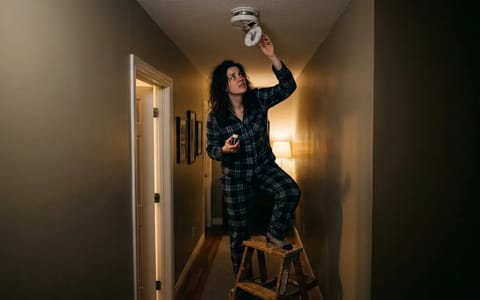
It almost always happens at 2:00 AM. A sharp, piercing sound jolts you awake: your smoke detector beeping every 30 seconds. It is maddening, echoing down the hallway and making it impossible to sleep. Before you grab a broom handle to smash the plastic casing off the ceiling, take a deep breath. A full, continuous siren means danger, but a single, high-pitched chirp every 30 to 60 seconds is simply the device's way of asking for maintenance.
Most homeowners assume a chirp automatically means a dead battery, but the reality is often more complicated. Sometimes you put in a fresh battery, and the chirping continues. Other times, the unit is hardwired and you aren't even sure where the battery goes. Let's walk through the exact steps to silence that alarm safely, so you can get back to sleep with the confidence that your home is fully protected.
Pinpoint the Exact Chirping Unit
If your home was built or remodeled in the last twenty years, your smoke detectors are likely interconnected. When one detects smoke, they all sound the alarm. However, when one needs maintenance, usually only the faulty unit chirps. High-frequency sound waves bounce off walls, ceilings, and hardwood floors, making it incredibly difficult to locate the source.
Stand perfectly still in a central hallway for a full minute. Do not walk around while listening, as the Doppler effect will trick your ears. Instead, watch the LED lights on the detectors. Most models flash a red or green light simultaneously with the chirp. Once you identify the culprit, grab a sturdy step stool.
Swap the Battery (With the Right Kind)
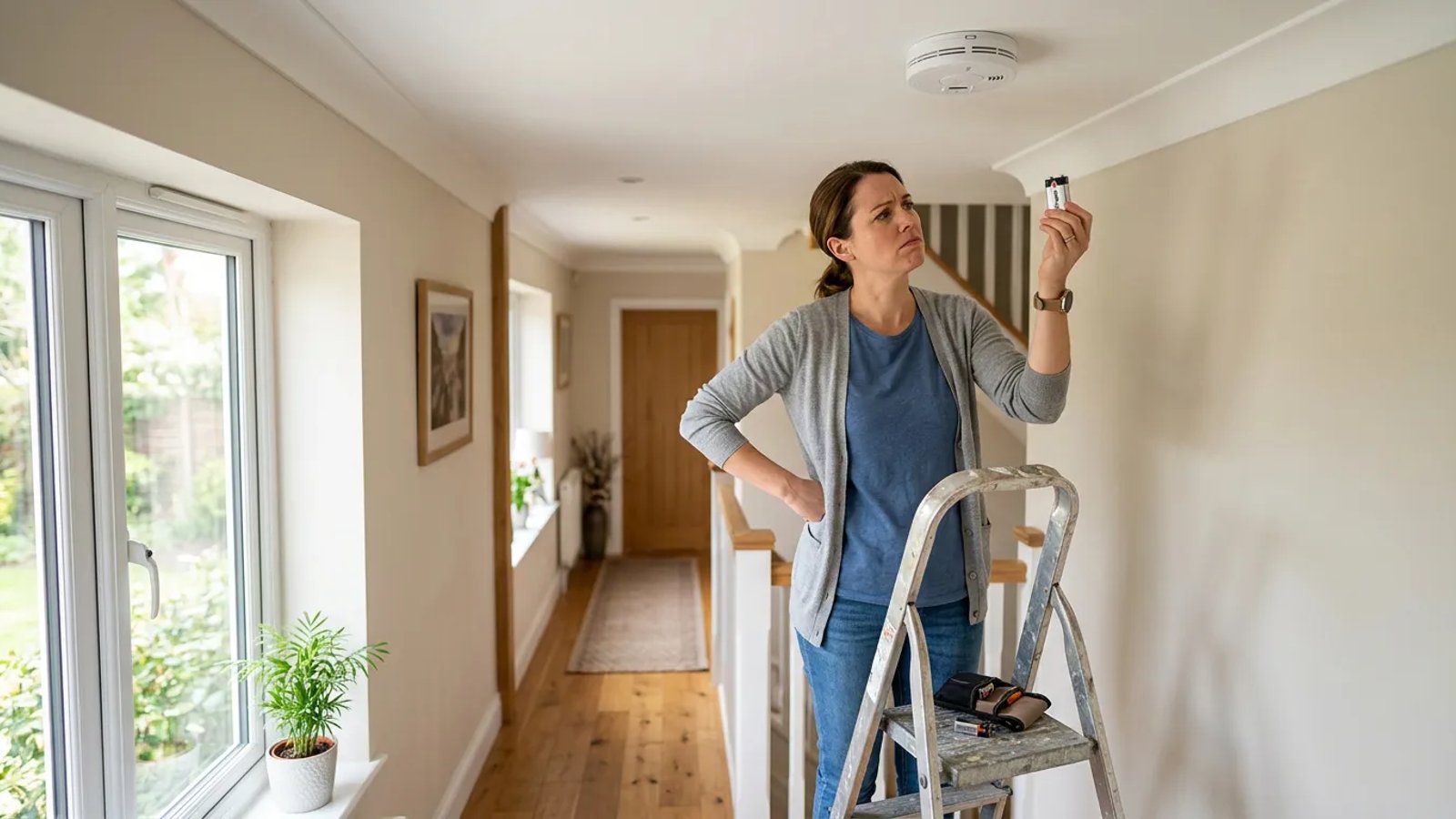
The most common cause of a smoke detector beeping every 30 seconds is a dying backup battery. Even hardwired detectors rely on a 9-volt or AA battery to keep them operational during a power outage. When the voltage drops below a certain threshold, the unit alerts you.
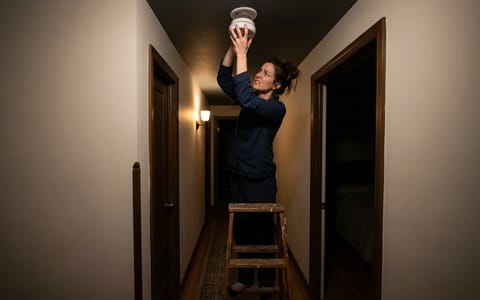
Twist the alarm counterclockwise to release it from the mounting bracket. Open the battery compartment door. If it takes a 9-volt battery, replace it with a fresh, name-brand alkaline battery. Avoid cheap, heavy-duty batteries from the dollar store; they do not provide the consistent voltage curve required by sensitive safety equipment, and the chirping will likely return in just a few weeks.
The Secret Fix: Draining the Residual Charge
Here is the scenario that frustrates homeowners the most: you put in a brand-new, premium battery, twist the unit back onto the ceiling, and five minutes later, it chirps again. You aren't going crazy. The issue lies in the detector's internal memory.
Hardwired smoke detectors have internal capacitors that store residual electricity. If you do not drain this charge, the microchip still remembers the "low battery" state and continues to send out error beeps. You must perform a hard reset.
- Turn off the breaker. Locate your electrical panel and flip the breaker that supplies power to the smoke detectors.
- Disconnect the harness. Twist the detector off the ceiling and unplug the plastic wiring harness from the back of the unit.
- Remove the battery. Take the old battery out of the compartment and leave the door open.
- Drain the power. Press and hold the "Test/Silence" button on the front of the detector for 15 to 20 seconds. You might hear a faint, dying chirp as the last bit of electricity leaves the capacitor.
- Reassemble and test. Insert the new battery, plug the wiring harness back in, twist the unit onto the bracket, and turn the breaker back on. Press the test button once to ensure it sounds.
Clean the Sensor Chamber
Smoke detectors work by monitoring the air inside a small internal chamber using either a photoelectric beam or a tiny amount of radioactive material (ionization). Both types are highly sensitive to physical blockages. If dust, pet dander, drywall powder, or even a tiny spider gets inside the vents, it scatters the sensor's beam.
The detector's brain cannot tell the difference between a thick cloud of dust and a wisp of smoke. If the blockage is minor, it registers as a sensor fault and triggers the maintenance chirp. Grab your vacuum cleaner and attach the soft brush or crevice tool. Run the vacuum along the outside perimeter vents of the detector for about 30 to 60 seconds. You can also use a can of compressed air to blow out any stubborn debris.
Upgrade to New Industry Standards
If your detectors frequently trigger false alarms from cooking smoke, replacing them might be your best option. As of 2026, manufacturers comply with the updated UL 217 8th Edition standards. These modern alarms use advanced multi-criteria sensors to distinguish between a real polyurethane fire and harmless burnt toast. Upgrading to these newer models drastically reduces nuisance beeping and ensures your home meets the latest safety benchmarks.
Check the Expiration Date
Smoke detectors do not last forever. The internal components degrade over time, losing their sensitivity and reliability. The National Fire Protection Association (NFPA) mandates that all smoke alarms must be completely replaced 10 years from the date of manufacture.
If your detector is over a decade old, no amount of fresh batteries or vacuuming will stop the beeping. It is permanently retiring itself.
Take the unit off the ceiling and look at the back plastic casing. You will find a printed or stamped date showing exactly when it was made. If that date is more than 10 years ago, it is time for a trip to the hardware store. Expect to pay a typical 2026 range of $20 to $60 per unit, depending on whether you want a basic model or a combination smoke and carbon monoxide detector.
Dealing with a smoke detector beeping every 30 seconds is an annoying rite of passage for every homeowner. By systematically checking the battery, draining the residual power, clearing out dust, and verifying the expiration date, you can silence the chirp for good. Keep a few spare 9-volt and AA batteries in your utility drawer, and you will be perfectly prepared the next time your ceiling decides to sing you a song at 2:00 AM.