Fan Wobbling on High Speed? How to Stop the Clicking
A ceiling fan that wobbles and clicks on high speed is annoying, but rarely dangerous. Learn how to silence the noise and balance the blades using a simple household clothespin.
You barely notice a ceiling fan running on low speed during the cooler months. The gentle rotation moves stagnant air quietly, keeping the room comfortable without making a sound. But when the mid-summer heat hits and you crank the fan to high speed to assist your air conditioning, that peaceful fixture can suddenly transform into a noisy, aggressive distraction.
A ceiling fan wobbling on high speed is one of the most common homeowner complaints during the summer. The wobble itself is visually alarming, but the rhythmic, metal-on-metal clicking noise that usually accompanies it is what actually keeps the whole house awake. Most people immediately assume the fan is broken or about to crash down onto the floor.
The good news is that a wobbling fan is rarely dangerous, and the clicking noise is almost entirely preventable. Ceiling fans are suspended from a ball-and-socket joint that is designed to allow movement. I noticed this exact issue in my own living room last July. A subtle sway that I ignored all spring turned into an aggressive, sleep-disturbing click as soon as I bumped the speed to high. Fixing it took less than twenty minutes, a screwdriver, and a simple wooden clothespin.
Why Is My Fan Wobbling on High?
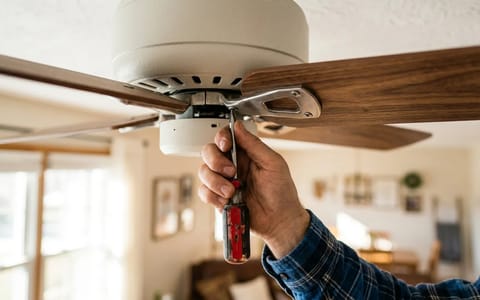
To fix the noise, you have to understand the mechanics of the fixture. A ceiling fan is essentially a heavy motor suspended by a metal pipe, spinning four or five wooden paddles at high velocity. If everything is perfectly tight and perfectly weighted, the fan spins dead center. If there is even a minor discrepancy in weight or hardware tension, which can often be identified with a standard screwdriver, centrifugal force takes over.
At low speeds, a one-gram weight difference between two blades does not generate enough force to move the heavy motor block. The fan appears stable. But when you switch the fan to high speed, that same one-gram difference generates significantly more kinetic energy, pulling the motor off its center axis. This causes the downrod to sway inside the mounting bracket.
The wobble itself does not cause the clicking noise. The clicking happens because the swaying motion forces loose components to grind against each other. The three most common culprits are loose blade iron screws, an unseated hanger ball, and pull chains physically swinging into the glass light globe.
The 5-Minute Hardware Tightening Routine
Before you attempt to balance the blades, you must eliminate loose hardware. Metal expands and contracts with seasonal temperature changes, and the constant vibration of the motor naturally backs screws out over time. Tightening the hardware solves the clicking noise in the vast majority of cases.
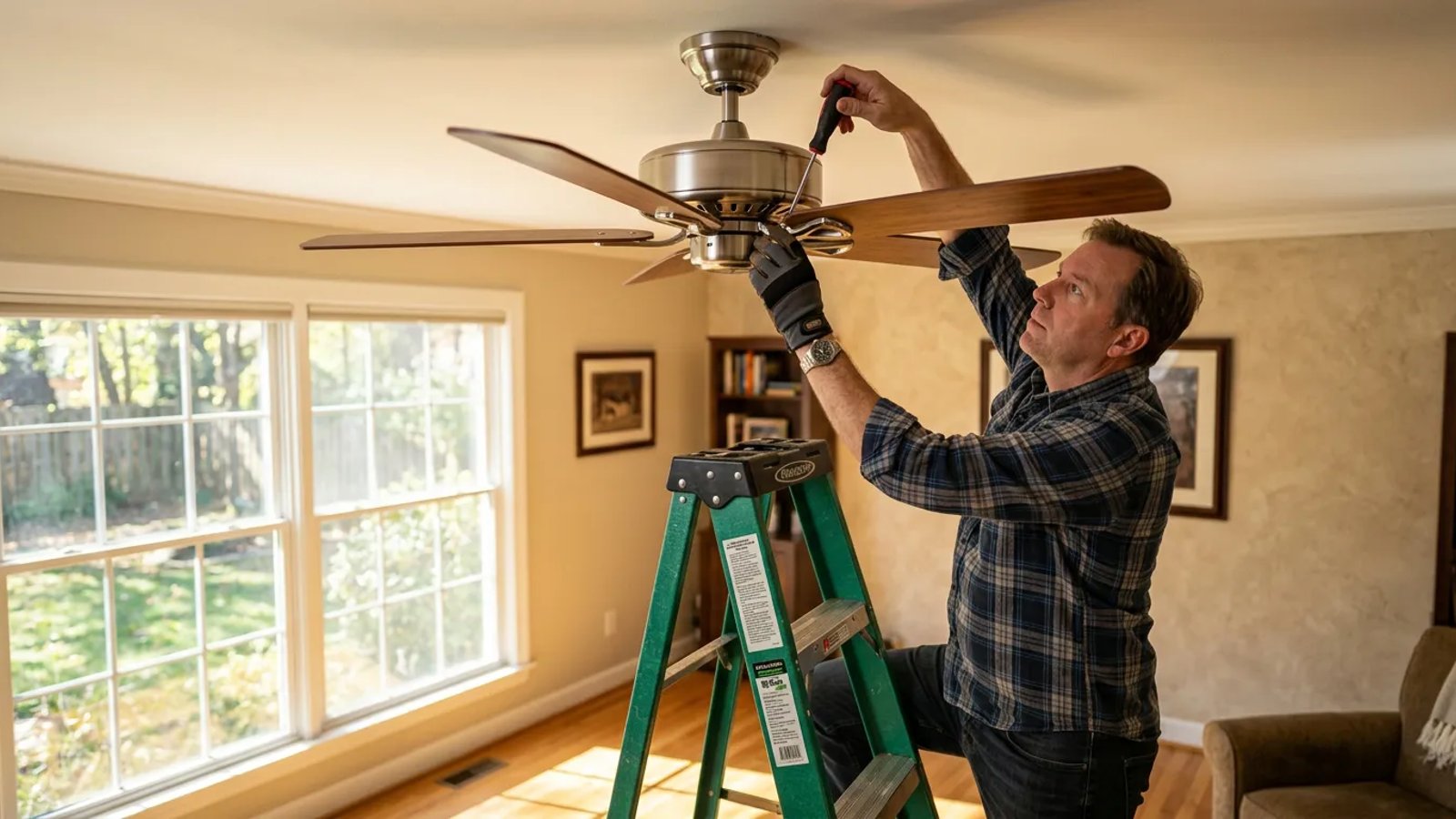
Grab a stepladder and a standard #2 Phillips-head screwdriver. Do not use a power drill, as it is very easy to strip the threads on small fan screws or crack the wooden blades.
- Turn off the power. Shut off the fan at the wall switch, and ideally at the breaker box, so the motor cannot accidentally engage while your hands are near the blades.
- Tighten the blade screws. Check the three small screws that connect each wooden blade to its metal arm (the blade iron). These frequently loosen and cause a distinct rattling sound.
- Tighten the motor screws. Check the two heavy-duty screws that connect each metal blade iron directly to the spinning motor housing. A loose connection here is the primary cause of heavy metal-on-metal clicking.
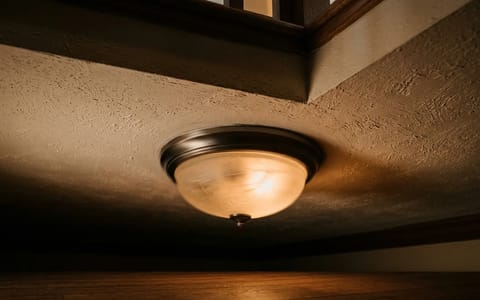
- Secure the light kit. Check the screws holding the glass globes in place. Back them out slightly, realign the glass so it sits flush, and hand-tighten them until they are snug.
- Check the canopy screws. Look at the metal cover resting against the ceiling. Tighten the two screws holding it to the mounting bracket to prevent it from buzzing against the drywall.
The Hidden Culprit: Dust Weight and Blade Pitch
If all the hardware is tight but the fan still wobbles violently on high, you need to check for environmental imbalances. The most common environmental imbalance is simply dust. Ceiling fans accumulate a thick, heavy layer of dust on the leading edge and top surface of the blades.
Because dust does not settle perfectly evenly, one blade may be carrying more weight than the others. Wipe down the top, bottom, and edges of every blade with a damp microfiber cloth. Never attempt to balance a dirty ceiling fan.
Next, you need to check the blade pitch. If one blade is angled differently than the rest, it will cut through the air differently, creating an aerodynamic imbalance that pushes the fan to one side. You can measure this easily with a standard wooden yardstick.
Hold the yardstick vertically against the ceiling, so it hangs down past the tip of one blade. Note the exact measurement from the ceiling to the trailing edge of the blade. Manually rotate the fan to bring the next blade to the exact same spot on the yardstick. Check the measurement. Repeat this for all blades.
If one blade is off by more than a quarter of an inch, the metal blade iron is bent. Gently push up or pull down on the metal iron—not the wooden blade, which will snap—until the measurement matches the others.
Checking the Canopy and Mounting Bracket
Sometimes the fan is perfectly balanced, but the entire unit shifts and clunks inside the ceiling. This usually points to an issue with the hanger ball and the mounting bracket.
The downrod of your ceiling fan ends in a plastic or metal sphere called a hanger ball. This ball rests inside a metal cradle attached to the ceiling box. If you look closely at the mounting bracket, you will see a small metal tab protruding inward. If you look at the hanger ball, you will see a vertical groove cut into the side.
According to Energy Star guidelines for proper ceiling fan installation, that groove must sit perfectly over the metal tab. This locks the downrod in place and prevents the entire fan assembly from twisting violently when the motor starts. If the fan was bumped during cleaning, or installed hastily, the ball might be sitting on top of the tab rather than locked into it.
Loosen the canopy cover at the ceiling and let it slide down the rod. Shine a flashlight up into the bracket. If the groove is not seated on the tab, lift the entire fan assembly slightly and rotate it until you feel it drop into place. You will immediately notice the fixture feels much more secure.
How to Balance a Ceiling Fan with a Clothespin
If the hardware is tight, the blades are clean, the pitch is even, and the ball is seated, but the fan still wobbles on high speed, the fan blades are simply unbalanced from the factory. Wood is a natural material, and variations in density mean one blade is inevitably slightly heavier than the rest.
You can fix this using a standard wooden clothespin and a ceiling fan balancing kit (which costs about $5 at any hardware store and contains plastic clips and 3-gram adhesive weights). If you don't have a kit, you can use a clothespin and a heavy coin taped to the blade, though the adhesive weights look much better.
The clothespin acts as a temporary test weight. By moving it around, you can find exactly where the fan needs counterbalancing to spin smoothly.
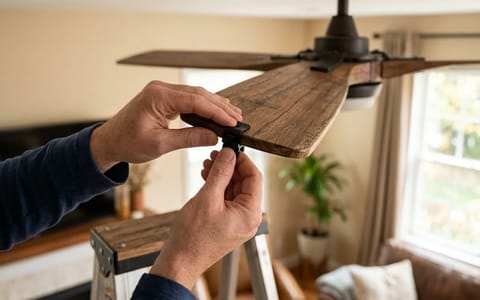
- Clip the clothespin to a blade. Choose any blade and clip the wooden clothespin halfway down its length, on the trailing edge.
- Test the fan on high. Turn the fan on high speed and observe the wobble. Turn the fan off and wait for it to stop completely.
- Move to the next blade. Move the clothespin to the exact same spot on the next blade. Turn the fan on and observe. Repeat this process for every blade. One blade will show a noticeable improvement in the wobble. This is your problem blade.
- Find the sweet spot. Leave the clothespin on the problem blade. Slide it outward toward the tip, test the fan, then slide it inward toward the motor, and test again. Find the exact position where the fan spins the smoothest.
- Apply the permanent weight. Peel the backing off one of the 3-gram adhesive weights. Stick it to the top center of the blade, perfectly aligned with where the clothespin is sitting. Press firmly to secure it, then remove the clothespin.
Silencing the Pull Chains and Glass Globes
Occasionally, you will cure the main wobble, but a faint, high-pitched tapping persists on high speed. This is almost always caused by the pull chains.
When the fan runs on high, the massive volume of air moving downward creates a vortex that blows the pull chains around. If the chains are too long, or if they feature heavy decorative medallions, they will physically swing and strike the glass light globe or the metal motor housing.
The easiest fix is to shorten the chains. Most pull chains have small breakaway clasps. Pop the chain out of the clasp, snip off a few inches with wire cutters, and reattach the clasp. Alternatively, you can slide a small length of clear plastic tubing over the chain where it rests against the glass, creating a silent bumper.
Taking a few minutes to methodically tighten and balance your fixture transforms the way a room feels. Instead of listening to a rhythmic, metallic clicking noise all summer, you get to enjoy the quiet, efficient cooling the fan was designed to provide. Keep your screwdriver handy, check the hardware once a year, and your fan will stay perfectly silent no matter how high you crank the speed.
- Always turn off the power at the breaker before working on your ceiling fan.
- Tighten the screws connecting the blades to the metal irons, and the irons to the motor.
- Use a wooden yardstick to measure the distance from the ceiling to each blade tip to identify warped blades.
- Balance the fan by testing a clothespin on each blade until the high-speed wobble disappears.