
The Basics of Subscription Free Security
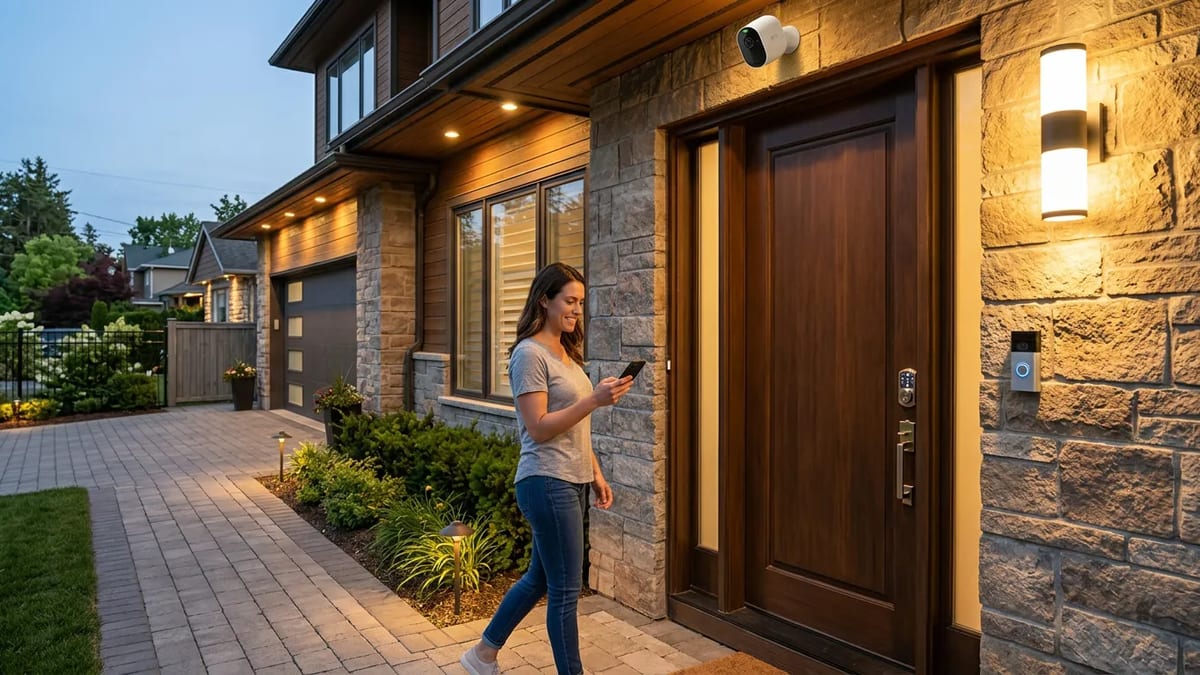
You want to keep your home safe. You do not want another monthly bill. The good news is that you can build a great security system yourself. You just need the right cameras, strong locks, and bright lights.
Many big brand cameras push you toward expensive cloud storage plans. But you can skip those fees completely. Look for cameras that offer local storage. This means the video saves directly to a small memory card inside the camera. Another option is a network video recorder. This is a hard drive box that lives inside your house. It connects to all your cameras and stores weeks of video. If you are a new homeowner, setting up local storage is one of the smartest early investments you can make.
Choosing the Right Cameras
You need cameras at your main entry points. A video doorbell covers the front door. A floodlight camera covers the driveway. Regular bullet cameras work well for the backyard and side gates. Look for brands that advertise no monthly fees right on the box.
Expect to pay $100 to $250 per camera for good quality local storage models. Remember that costs vary by region, home age, and the exact features you choose. A wired camera system is harder to install but much more reliable than battery powered wireless cameras.
Upgrading Your Locks
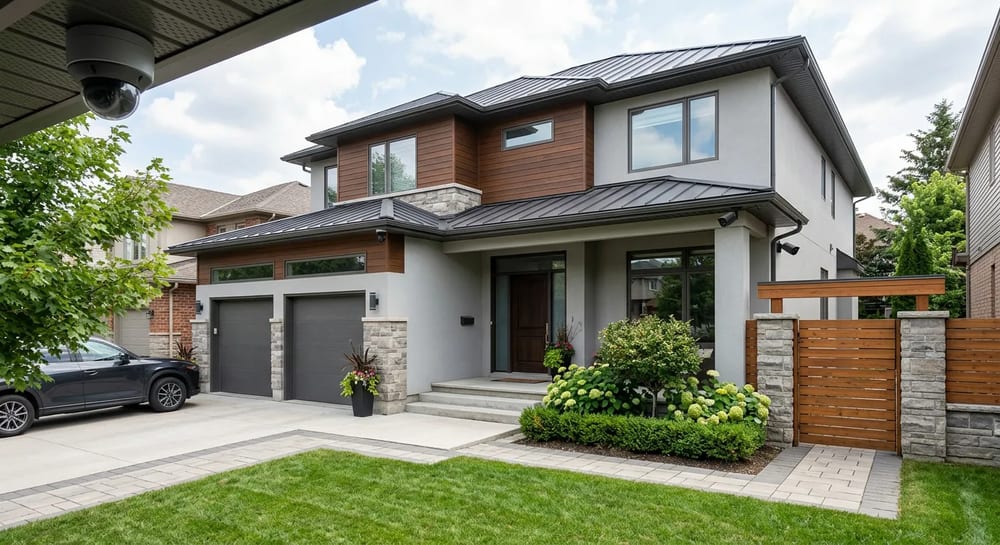
Cameras only watch. Locks actually stop people. Most builder grade deadbolts are weak. Upgrading your doors and windows with better hardware is a huge step up in safety.
Smart locks let you ditch your keys and use a keypad. You can give a unique code to a dog walker or a family member. Look for smart locks that connect directly to your home Wi-Fi network without requiring a paid subscription hub.
Exterior Lighting That Works
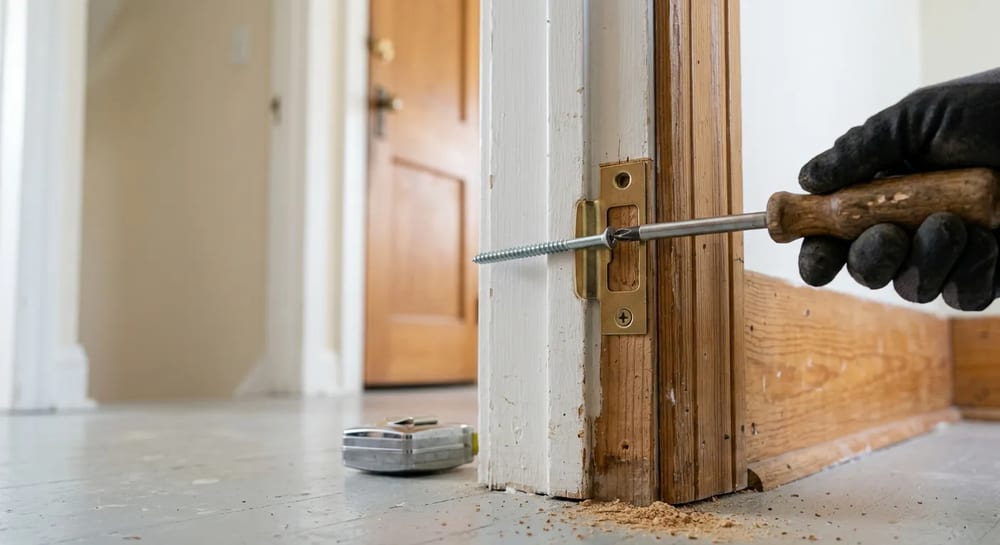
Criminals hate bright lights. Motion sensor lights are cheap and highly effective. Put them over your garage, back patio, and side doors. When someone walks into your yard, the sudden bright light usually scares them off.
Solar motion lights cost $30 to $60 and take ten minutes to screw into the wall. Hardwired lights cost $50 to $150 and are much brighter. If you are not comfortable doing electrical work, hire an electrician to install hardwired fixtures.
Landscaping for Security
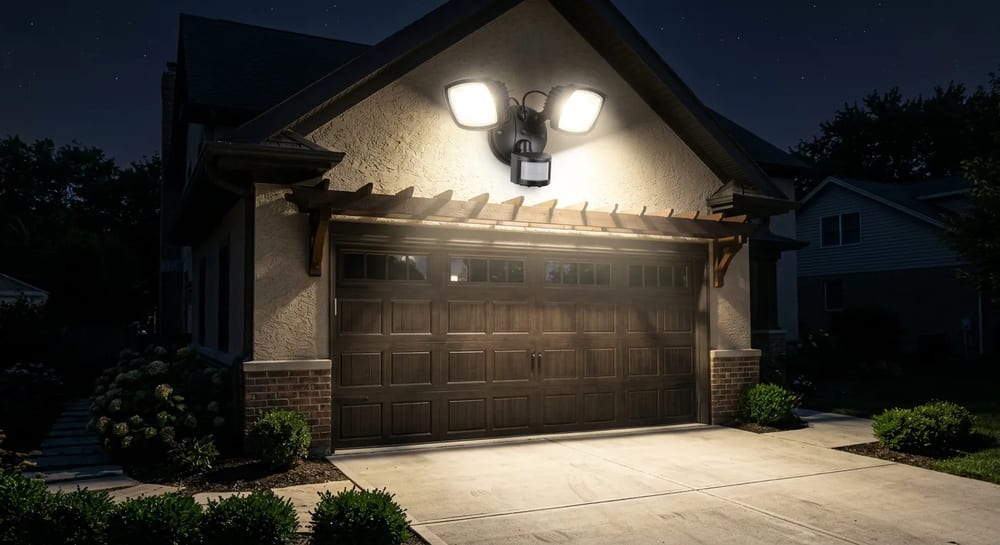
Your yard plays a big role in security. Tall bushes block your view and give thieves a place to hide. Keep your shrubs trimmed below the window ledges.
Plant thorny bushes like roses or holly under first floor windows. Good landscaping acts as a natural, painful barrier that keeps people away from the glass.
The Best Home Security Systems Without a Subscription
The phrase you want to look for is "no monthly fee." Many of the best home security systems on the market today let you buy the hardware once and own it forever. There is no contract, no monthly bill, and no company holding your video hostage behind a paywall. You install it yourself, the video stays on your own storage, and your only ongoing cost is replacing a battery now and then.
When you shop, separate the two things companies usually bundle together: the hardware and the monthly service. A subscription mostly pays for cloud video storage and, sometimes, professional monitoring that calls the police for you. If you store video locally and check your own alerts, you can skip the fee entirely. The trade-off is that nobody dispatches help automatically; you are your own monitoring center.
| What the subscription buys | Free local alternative | What you give up |
|---|---|---|
| Cloud video storage | microSD card or local recorder box | Off-site backup if a thief grabs the camera |
| Professional monitoring (calls police) | Phone alerts you handle yourself | Automatic dispatch when you are asleep or away |
| Extended clip history | Larger memory card (overwrites oldest video) | Months of searchable history |
| Cellular backup | Battery backup on your router | Coverage if home internet is fully cut |
Expect a solid no-subscription kit, a doorbell plus two or three cameras and a base, to run $250 to $600 up front. Prices vary by region, brand, and how many cameras you need. That is roughly what a monitored plan costs in fees over a single year, after which the free system keeps paying you back.
Building a DIY Alarm System That Actually Works
Cameras tell you what happened. An alarm stops it from happening. A do it yourself home security alarm system pairs door and window sensors with a loud siren and a motion sensor security system inside the house. When a sensor trips while the system is armed, the siren screams and your phone buzzes. Most burglars run the moment a 100-decibel siren goes off, so the alarm does the real deterring.
Modern DIY home alarm systems are wireless and stick on with adhesive, so there is no drilling and no electrician. A starter kit gives you a hub, a keypad, a few contact sensors, and one motion detector. You can add more sensors over time as your budget allows.
How to Set Up a DIY Alarm in an Afternoon
- Place the hub centrally, near your router, and plug it in.
- Stick a contact sensor on every ground-floor door and any easily reached window. Mount the two halves so they nearly touch when closed.
- Mount a motion sensor in a main hallway, about seven feet up, angled across the room rather than at a door.
- Add a loud indoor siren and, if you want, a second one in the attic or a closet where it is hard to silence.
- Arm the system from the keypad or app, then test every sensor by opening doors and walking past the motion detector.
- Set a "stay" mode that arms only the doors and windows so you can move around at night without setting off the motion sensor.
A capable DIY alarm kit costs $150 to $400 depending on how many sensors you add, with no required monthly fee. If you ever want a company to call the police for you, most of these systems offer optional monitoring you can switch on or off month to month. For wiring questions on hardwired sirens or sensors, see our electrical guide.
Choosing the Best Wireless Security Cameras
Wireless cameras are the easiest entry point because there are no wires to run. The best wireless home security camera for most people is battery powered, records to a local memory card, and connects to your Wi-Fi. "Wireless" usually means no power cable, but the camera still needs your wireless network to send alerts to your phone. A truly wire-free home security wireless alarm system trades a little reliability for a setup you finish in minutes.
Focus on a handful of specs and ignore the marketing. Resolution should be at least 1080p so faces are recognizable. A wide field of view covers more yard with fewer cameras. Color night vision beats grainy black and white. And a local storage option keeps you off the subscription treadmill.
| Camera type | Best for | Typical cost | Watch out for |
|---|---|---|---|
| Battery wireless | Renters, quick setup, no wiring | $60 to $150 | Recharging every few months |
| Solar wireless | Sunny spots, set and forget | $90 to $200 | Needs direct sun most days |
| Plug-in Wi-Fi | Porches and outlets nearby | $40 to $120 | Tied to an outlet location |
| Wired (PoE) | Permanent, most reliable | $80 to $200 each | Running cable to a recorder |
Battery life is the real trade-off with any wireless setup. Cold weather and a busy street that triggers motion all day will drain a battery in weeks instead of months. Narrow the motion zones in the app so passing cars do not wake the camera, or add a small solar panel to keep it topped up year round. For securing the doors those cameras watch, circle back to our windows and doors guide.
Total Cost Breakdown
Let us look at the numbers. A subscription system might cost $30 a month. Over three years, that is over $1,000 just in fees. Building your own system costs more upfront but saves money fast.
| Security Setup | Upfront Hardware Cost | Monthly Fee | 3-Year Total Cost |
|---|---|---|---|
| DIY Local Storage System | $400 to $600 | $0 | $400 to $600 |
| Subscription Cloud System | $200 to $400 | $30 | $1,280 to $1,480 |
Keep in mind that these are rough estimates. If you hire a professional to run wires, your upfront costs will be higher. You can learn more about typical labor rates in our guide to hiring contractors and what things cost.
Power Outages and Internet Drops
Power goes out. Internet goes down. Your security system needs a backup plan. Buy an uninterruptible power supply for your internet router. This is a big battery backup. It keeps your Wi-Fi running during short outages.
If you live in an area prone to home emergencies, consider battery powered cameras as a backup to your wired system. They will keep recording even if the neighborhood goes dark.